Lighter photos, for email, your site and WhatsApp

Drop your photos here, choose how far to shrink them and take them back at a fraction of the weight, free and with no sign-up
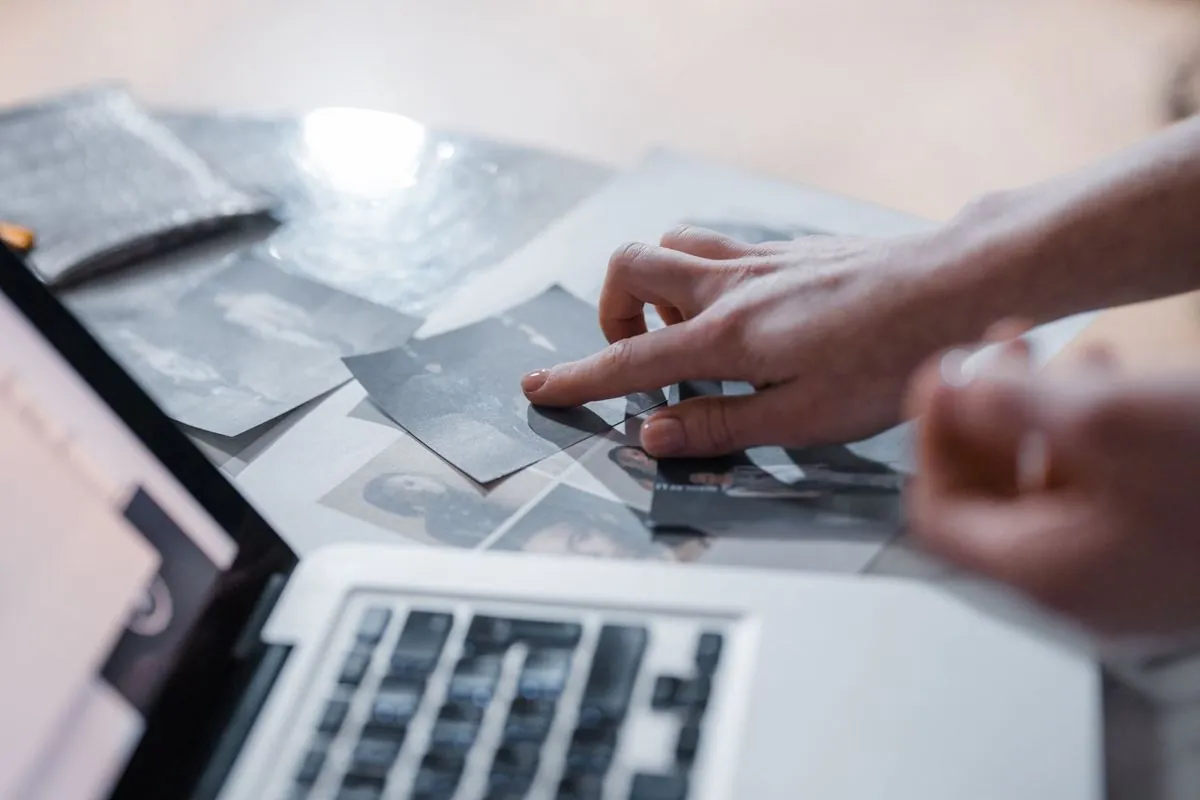
A laptop showing a grid of photos to pick from
Drop your photos here, or click to choose them You can add more later, a few at a time
When in doubt leave it on “good”, by eye the difference doesn’t show
This is where the file really slims down

The photos never leave your computer, the browser does the compressing, we see nothing

Two things said up front, so you don’t find out later: what comes out is always a jpg, even if you load a png, because jpg is the format that compresses photographs, and if what you have in hand is a logo or a drawing with a few flat colors then jpg is the wrong choice, it smears the edges and every so often it even weighs more than the original, for that kind of image there is the converter, turn it into png. And the compressed files download one at a time, because a browser blocks ten downloads in a row and we don’t build a zip so as not to weigh the page down.

What people usually ask us

No, the compression happens inside your browser, on your computer, the photos never travel to any server and we never see them, you can unplug the internet after opening the page and the tool keeps working all the same, it’s the simplest test you can run
Almost all of the saving comes from resizing, not from quality, a photo taken with a phone is four thousand pixels wide and weighs a few megabytes, brought down to sixteen hundred pixels at good quality it usually drops below three hundred kB, that is between eighty and ninety percent less, if instead you keep the original size and only touch the quality you do save something but far less, and you don’t have to take our word for it, next to every file you download we write how much it weighed before, how much it weighs after and how far it dropped as a percentage
Because jpg is the format that compresses photographs, whatever goes in comes out as jpg and on a photo that is the right choice, you won’t notice by looking at it, on a logo or a drawing with a few flat colors it is the wrong choice though, jpg smears the sharp edges and sometimes the file even weighs more than the original, in that case leave this tool alone and use the converter to turn the image into png
Yes, load as many as you like in one go, the limit is your computer’s memory and not a number we decided, the files download one at a time though, because a browser reads ten downloads in a row as spam and blocks them, and we don’t build a zip so as not to weigh the page down with another library to download every time, so if you load a hundred the list of links to click is long, keep that in mind
It’s free and there is no sign-up, we don’t ask for your email and we don’t set a daily limit on photos, the tool is an example of what we do for a living, if you then have repetitive work to automate in your company we can talk about it, otherwise just use it

The other free tools

All in the browser, all with no sign-up, your files go nowhere

If someone shrinks the photos by hand, every day, that is a process

Compressing four photos before attaching them to an email takes a second. But if every time a technician comes back from a site someone downloads sixty photos from the phone, resizes them one by one and uploads them to the job record, that can be automated and nobody has to do it again

WA