Put several photos into a single PDF, one photo per page

The receipts to send to your accountant, the photos of a building site, the screenshots of a case: you choose them, put them in order and they become one document, free and with no sign-up
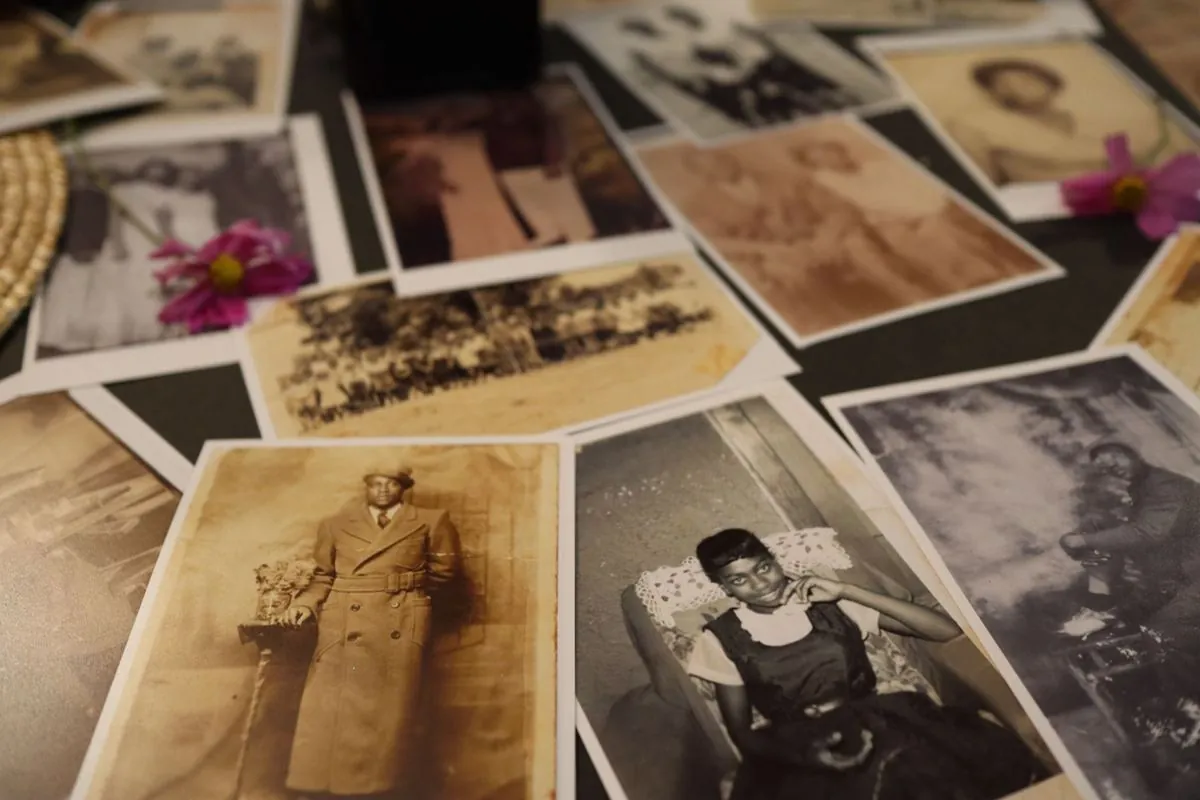
Printed photos spread out on a table, ready to be put in order
Drop your photos here, or click to choose them You can add more later, a few at a time, then with the arrows you put them in the right order
The “.pdf” we add ourselves
Cut to fit leaves no white border, A4 makes a printable sheet and picks portrait or landscape by itself
It only counts with the A4 sheet, on the page cut to fit the photo fills the whole page and there is nothing around it

The photos never leave your computer, the browser builds the PDF, we see nothing

Two things it is only right you know first: every photo is brought down to 2200 pixels on the longest side and saved as jpeg inside the PDF, otherwise a PDF of thirty phone photos weighs 200 MB and nobody can open it, least of all the mailbox that has to accept it. And the transparency of a PNG turns white, because a PDF has no use for it. If you need the original photo exactly as it came out of the camera, that stays where it is, this tool never touches it.

What people usually ask us

No, the PDF is built by your browser, on your computer, the photos never travel to any server and we never see them, you can unplug the internet after opening the page and the tool keeps working all the same, it’s the simplest test you can run
There is no limit set by us, the limit is your computer’s memory, a few dozen phone photos it carries without effort, if you load three hundred in one go the browser slows down and the wait shows, in that case it is better to make two or three separate PDFs
Because before going into the PDF every photo is brought down to 2200 pixels on the longest side and saved as jpeg, otherwise a PDF of thirty phone photos weighs 200 MB and nobody can open it, neither the accountant nor the mailbox that has to accept it, on screen and in print the difference does not show, and the untouched original is still yours anyway
Yes, once you have chosen the photos you see them listed, and with the arrows you move them up and down until they are in the right order, the order of the list is the order of the pages, one photo per page, no surprises
It’s free and there is no sign-up, we don’t ask for your email and we don’t set a daily limit on photos, the tool is an example of what we do for a living, if you then have repetitive work to automate in your company we can talk about it, otherwise just use it

The other free tools

All in the browser, all with no sign-up, your files go nowhere

If every month someone packs the photos up one by one, that is a process

Making a PDF of receipts now and then takes a second. But if at the end of every month someone downloads the photos from the phone, renames them, puts them in order, merges them and sends them to the accountant, that is half a day coming back every month, and it can be automated

WA