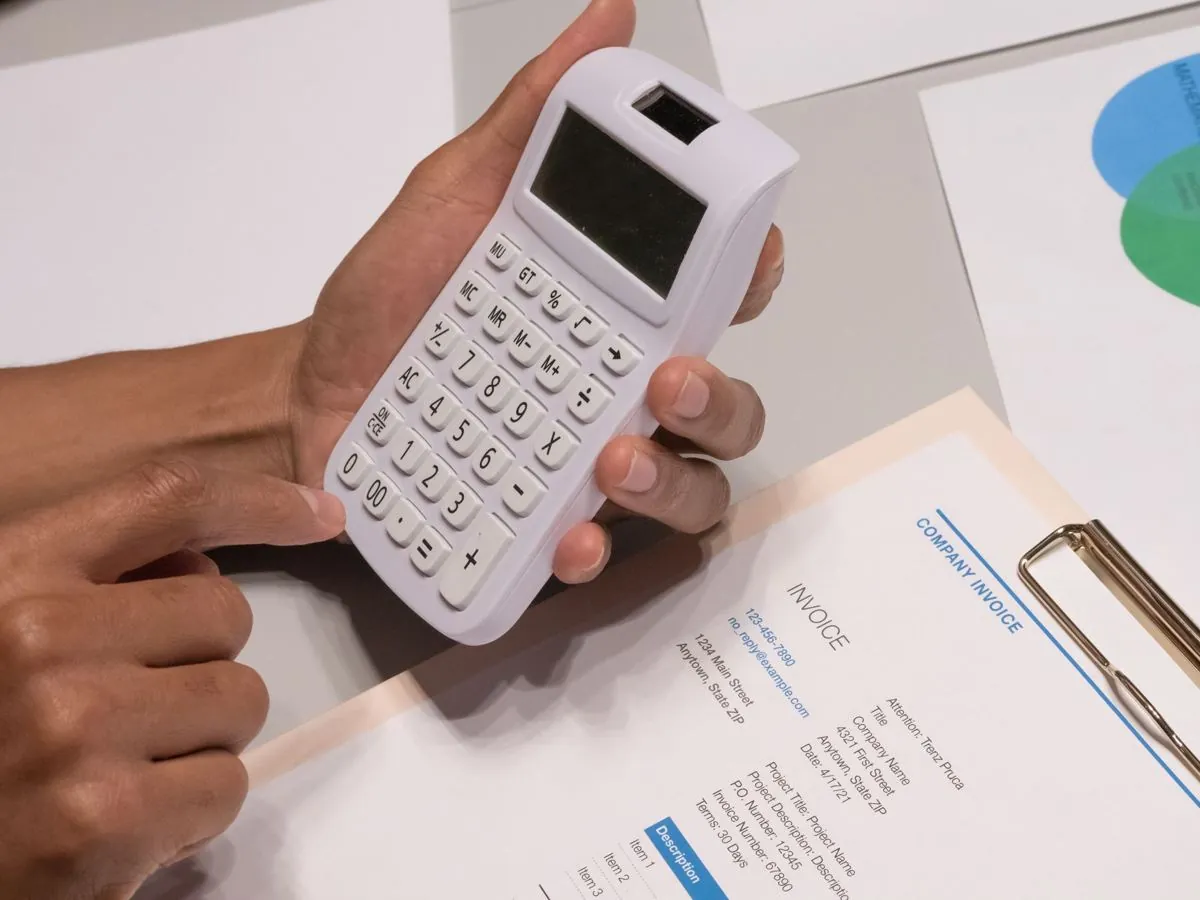
You already have the data, but someone retypes it by hand
An Excel file arrives from a supplier, a PDF by email, a file exported from another program, and the numbers are right there, already written down, then someone in the office opens the file on one side, the business software on the other, and spends the morning retyping line by line what was already there
It's the easiest work to take out of the way, and it's also where the mistakes happen most, because after the twentieth line attention drops
What the system does, step by step
- It picks the file up where it lands, a folder, the email inbox, a portal
- It reads the fields it needs, not the whole document
- It checks what it read, before touching your business software
- It opens your program and fills in the fields
- It saves, and writes in the log what it did and on which document
- It sets the doubtful cases aside, with the reason written out
The checks are the part that matters
Reading a PDF is easy, noticing that a figure is wrong is a lot less so, and a wrong number that walks into your business software on its own costs you more than the hours you saved
Before it writes anything into your business software, the system verifies things like these, and you decide the rules, by looking together at the way you work today
- The required field is there, or it's missing
- The date is a real date, and it falls in the period you expect
- The amounts add up, net, VAT and total agree with each other
- The item code or the supplier really exists in the records
- The document hasn't been entered already, so you don't end up with the duplicate
- The number it read is clearly legible, with no uncertain digits and none cut in half by the scan
In doubt it stops, it doesn't guess
When a check doesn't pass, that case doesn't go into your business software, the system puts it in a separate list, with the document attached and the reason written in plain words, something like “total amount different from the sum of the lines”
A person looks at it and decides, while the rest of the work has already moved on by itself, so you don't have to check everything again, only the little that stopped
Which files we can start from
- Excel and CSV, even with sheets and headers that are a bit untidy
- PDFs with the text inside, like invoices, delivery notes (DDT), orders, price lists
- Scanned PDFs, if the scan is legible, and on those we keep the checks tighter anyway
- Emails and attachments, taking the right file out of the inbox
- Files exported from other programs, even in odd formats