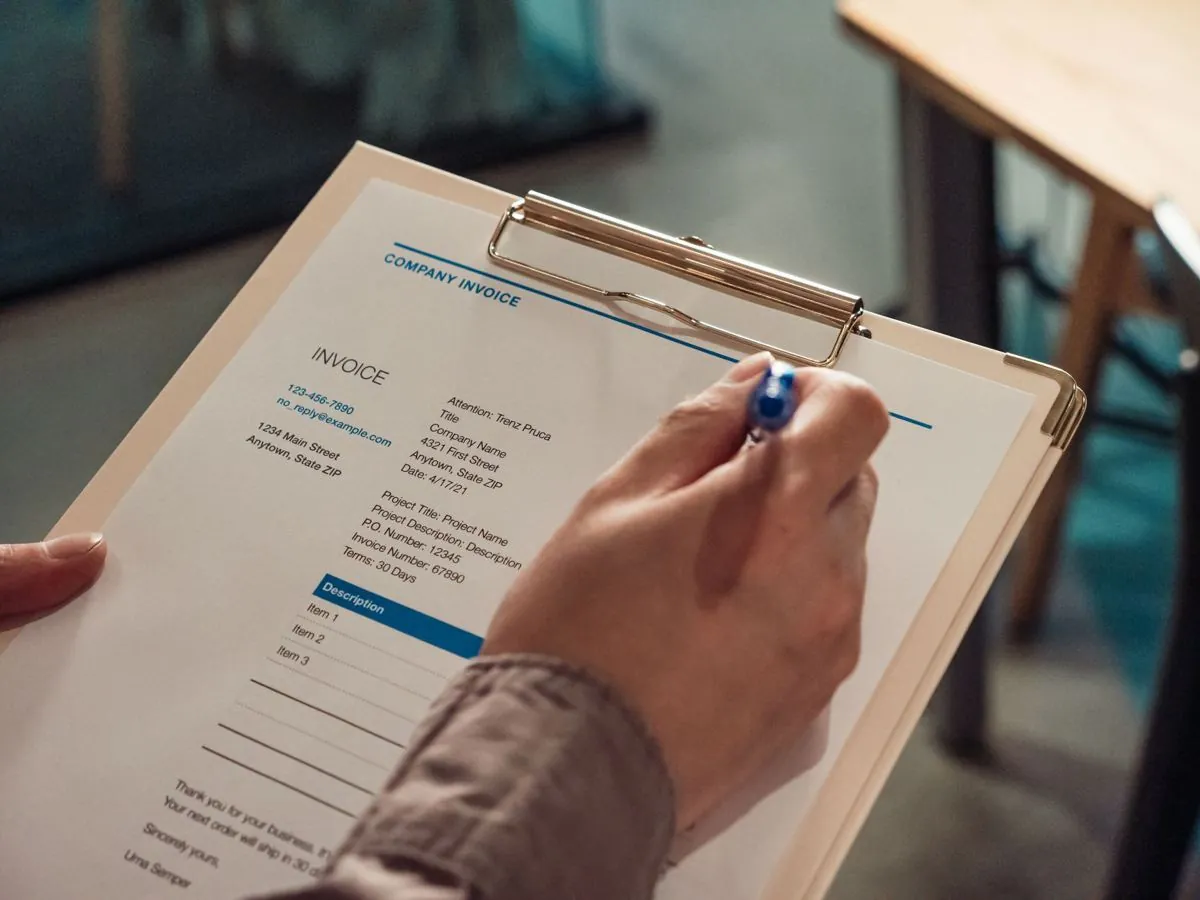
The test you can run right now, in ten seconds
Open the document, take the mouse and try dragging across the total line. If all the mouse draws is a blue rectangle over the page, there is no text inside to take, and almost always that means the PDF is a photograph. If instead the text highlights and you can copy it, almost always you have a PDF made by a computer, with one warning that counts, a scan that has already been through character recognition lets itself be selected too, because the program laid a layer of characters on top of it, and those characters are already an interpretation, not the original
A PDF made by a computer, often called a native PDF, was generated by a program that was already printing the text inside the file, so the invoice number is in there written as text, exactly as it was
A scanned PDF came out of a scanner or a phone, inside it there is an image of the paper, and the computer that opens it sees pixels, not characters. The fact that you read the total perfectly well on screen means nothing, you are reading it with your eyes
The PDF made by a computer, what it gives you
From a native file the data is taken exactly, there is no interpretation in between, the taxable amount is that sequence of characters and it gets copied as it stands, with nobody having to guess whether that mark is a zero or an O
This changes what can go wrong too, because on a native PDF the problems are not about reading, they are about position, the supplier moves a field, puts the date somewhere else, makes the description longer and the line wraps
They are real problems, but they are problems you look at once and settle, they do not come back every day wearing a new face
If you want to see how Muffin Suite handles these documents inside a process, there is the page on automation on Excel and PDF
The scanned PDF, what it costs you on top
From a photographed document the data is not taken, it is rebuilt, a program looks at the shapes and tries to say which letters and which digits they are, and that step is an interpretation, however good it gets it stays an estimate
The things that get in its way you know already, the scan done crooked, the stamp landing on top of an amount, the photocopy of a photocopy, the faded thermal paper, the table with no rules where you cannot tell where a column ends
The practical consequence is not that it cannot be done, it is that the reading needs more checks around it, the sum of the line items has to make the total, the taxable amount plus the tax has to give the document total, the VAT number has to exist for real and match a supplier you have on file, the date has to make sense
On a photographed document those checks hold up everything else, and when something does not add up the right thing is to stop and pass the case to a person, never to guess
If you want the reasoning in full on where and why the reading goes wrong, there is the guide on why a computer sometimes misreads a document
The road nobody sells you, asking for the right file
There is a third road, and it is not something you buy, try asking whoever sends you the documents whether they can send you the native file instead of the scan
Whoever sends you a scanned invoice almost always has the native PDF, it comes out of their program, they printed it and put it back through the scanner out of habit or because they sign it, and sometimes asking is all it takes to get it, without spending anything and without automating anything
It counts even more with the e-invoice, because the XML is an already ordered file where the fields are defined one by one and there is nothing to interpret, if the document you need exists in that form as well, that is the door to use
How to choose
Look at the documents that really reach you, not the ones you would like, and count which suppliers they come from
If most of them are native already, or you can turn them native with a phone call, start there, the work is more solid and the checks are needed all the same but they weigh less
If instead you have suppliers who scan and will never change, because they are small, because they have done it this way for twenty years, because they sign by hand, the photographed document can be read anyway, you accept that it needs more checking machinery around it, and you reckon on some cases ending up on a desk
In practice almost every company has both kinds together, so the right question is not which of the two is better, it is which slice of your incoming mail you can move onto the clean file before you start