The file nobody dares open
There's a file on a shared folder, called something like final_2, and inside it there's a yellow button that one person presses on the first of the month, while everybody else waits
It was built eight years ago by the bookkeeper who was good with computers, and for eight years it has worked, it takes the supplier's file, sorts out the columns, works out what's needed, spits out the sheet ready to upload, and nobody has ever touched it because there was no need
Then one Monday morning the button gives back a window with a number and a word nobody understands, and from there the whole day goes into it, the bookkeeper who built it now works somewhere else or has retired, the technician who looks after the computers says that stuff isn't his, and in the end somebody redoes three hours of work by hand, for that month, and for the one after
Whoever wrote those macros was right
That person solved a real problem with the tools sitting on the desk, without asking anybody for money and without waiting six months for a supplier
Excel macros carried a company job for eight years, and plenty of properly paid projects never get that far
So the problem isn't Excel, and anyone who tells you Excel is the enemy is selling you their own product, the problem is everything that was never there around that file
What's missing isn't the code
A home-made macro is almost always born without three things, and they're the ones that make you pay for it later
- nobody maintains it, because it isn't the trade of whoever wrote it, and when the company changes a rule the macro stays exactly as it was
- there's no log, so when a number comes out wrong you don't know whether it read the right row, you don't even know what it did
- the knowledge sits in one person's head, the rules aren't written down anywhere, and if that person leaves the company the rules leave too
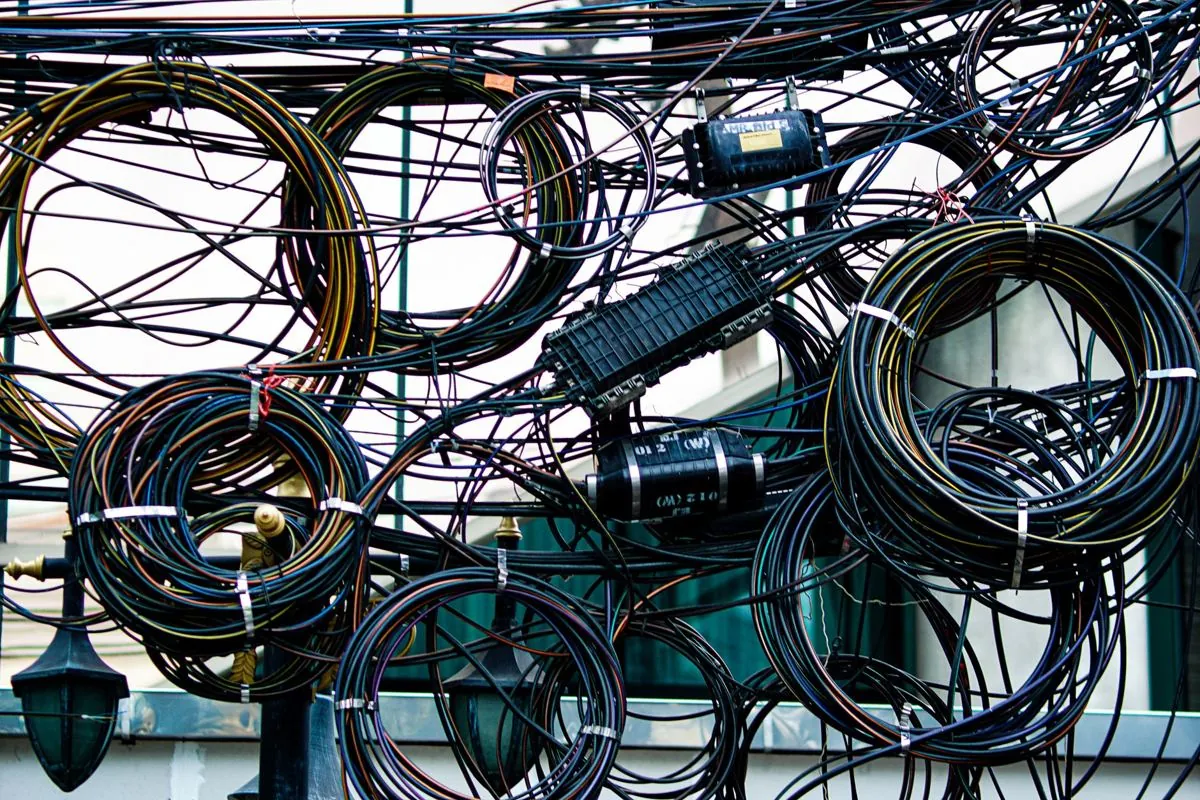
Add to that the fact that the file grows, someone adds a sheet, someone else a check, someone else again a piece copied off the internet because it was needed right then, and after a few years there's something inside that nobody could rebuild the same way
Why it breaks on that particular day
Excel macros almost always break for plain, predictable reasons, not for bad luck
The supplier sends the file with one extra column and the macro reads the wrong column, an update of the program arrives and a function that was there before behaves differently, the file gets opened by a different version on a new computer, the folder path changes because the server has been rebuilt
And here's the part that does the most damage, plenty of home-made macros don't stop when they don't understand, they carry straight on and write the result anyway, so the day the error shows up is almost a piece of luck, the real trouble is the month the error doesn't show up and the numbers come out crooked without anybody noticing
What changes with a system somebody maintains
An automation built by a professional does the same work as that macro, and the difference is in unshowy things, which are exactly the ones you're missing on Monday morning
The columns are read from the header and not from the position, and if a header it expected isn't there the system stops instead of guessing. What it did and when stays written down. The rules are in black and white, out of anybody's head. And when something changes there's a person whose job is to put it right
Muffin Suite works this way, the system drives the business software, the portals and the spreadsheets the company already uses, and the maintenance sits inside the monthly fee agreed before we start
The bit about files that arrive every month with different columns has a guide of its own, the files whose columns keep moving, and the Excel and PDF side is on the Excel and PDF page
When the right answer is to leave it alone
If your macro works, if nobody complains, if when it jams there's a person in the company who gets it back on its feet in half an hour, leave it where it is
Replacing something that runs for the satisfaction of having it done properly is work you pay for twice, first to rebuild it and then for the stretch in which you find out that the original also did three things nobody had told you about
Call us when that file has become a risk, meaning when it breaks often, when nobody knows what it does inside any more, or when you find the error downstream and it costs you more than the time the macro saves you