Why the cash journal is work that repeats identically
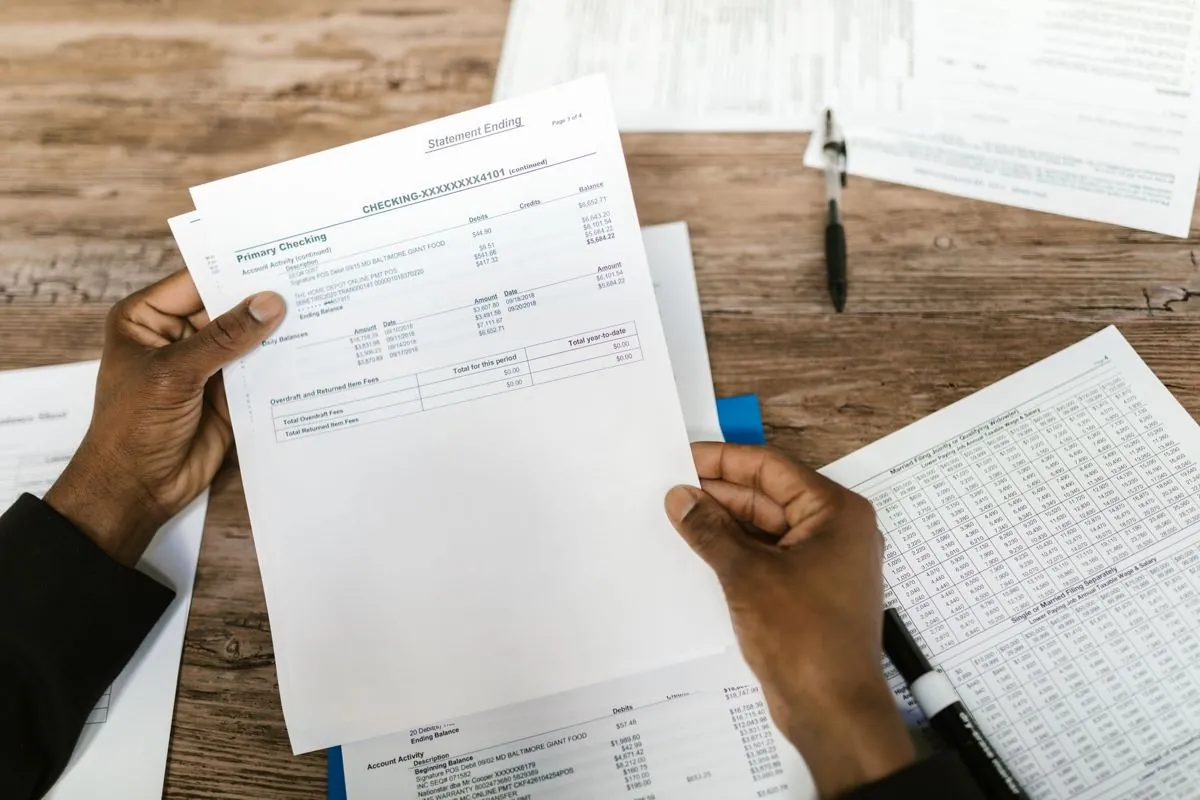
The cash journal nearly always starts from the same move. You open the bank statement, look at a line, work out what it is, and post it in your business software with the right account and the right date
One transaction on its own looks like nothing at all. But a month has a lot of lines, and by the end of the year the time they have taken is a cost nobody had put in the budget
The thing is, most of those lines you are not deciding, you are recognizing. And a move that repeats identically can be written down as a rule
First step, reading the bank statement as it is
A cash journal automation starts from the file your bank gives you, whether that is a PDF downloaded from the portal, a CSV, or a layout your online banking exports ready made
Muffin Suite reads that document and pulls out the columns that count, the date, the amount, the sign, and above all the description, which is where the real information sits
If the file is a badly made PDF, or a scan, things change a little and the reading has to be tuned to it, which is something we go into in the guide on native or scanned PDFs. But in most cases the bank statement is a clean document, and reading it is the easy part of the job
Second step, recognizing what always comes back the same
Recognizing recurring transactions works because the description of a bank movement is steadier than it looks
The rent goes out every month with the same reference and to the same payee, the supplier you always buy from shows up with its company name written the same way, the installment charge has a fixed reference that does not change from one month to the next
So what you write down is a rule for every transaction you recognize at a glance. When the description contains this, and the amount falls in this range, that is the account
Third step, preparing the entry
Once the transaction is recognized, the automation opens the business software you already use and fills in the cash journal the way you would, the date, the amount, the account, the description, the reference to the document if one is needed
Your program does not need a direct integration, or an official way of taking in data, because the system works on the screens. It opens the cash journal form and puts the values in the fields, exactly as a person sitting there would
At that point you have two ways of working, and the choice is yours. The automation posts and you check afterwards, or it prepares everything and waits for your go-ahead line by line
Fourth step, the list of doubtful cases
What tells you whether a cash journal automation is built well is not the transactions it recognizes, it is the ones it does not
A transfer from a new customer, an odd movement between accounts, a charge that had never appeared before, an amount too far off the usual one. None of this should be guessed at, it should be set aside
So the system stops, does not post, and puts that line in a list that reaches you, with the reason it could not match it
An automation that guesses on the doubtful cases costs you more time than it saves, because at that point you have to go over everything again, and you might as well have done it by hand
How much of it matches on its own
There is no percentage that holds for everyone, and anyone who hands you one up front is inventing it
How many transactions match on their own depends on how regular yours are. A company with twenty fixed suppliers and few unusual receipts is at one end, a company taking money from a different customer every time with references typed by hand is at the other, and they are two different worlds
The only honest way to get an idea is to look at a real month's bank statement and count how many lines you would recognize without thinking. That is roughly the share a rule can work on
The accounting decisions stay with whoever makes them
A cash journal automation does not do accounting, it carries out the rules you gave it
Where a cost belongs, how an unusual transaction is treated, what happens at the end of the period, those are decisions for whoever is responsible for making them, the accountant or whoever keeps the books in the company, and they stay right where they are now
The work that goes away is the copying, open, read, type, save, repeat, the part that calls for no judgment at all and eats your mornings, and there is a guide of its own on who sets the rules, who decides what the system does
What it takes to tell whether your case stands up
Very little is needed to say something sensible. The format you download the bank statement in, the business software you post into, and one month of transactions looked at together to see how many are genuinely recurring
If you work with a practice, or you are one, the same logic holds across several companies at a time, and that is covered on the page for accountants