The green screen that was there before you were
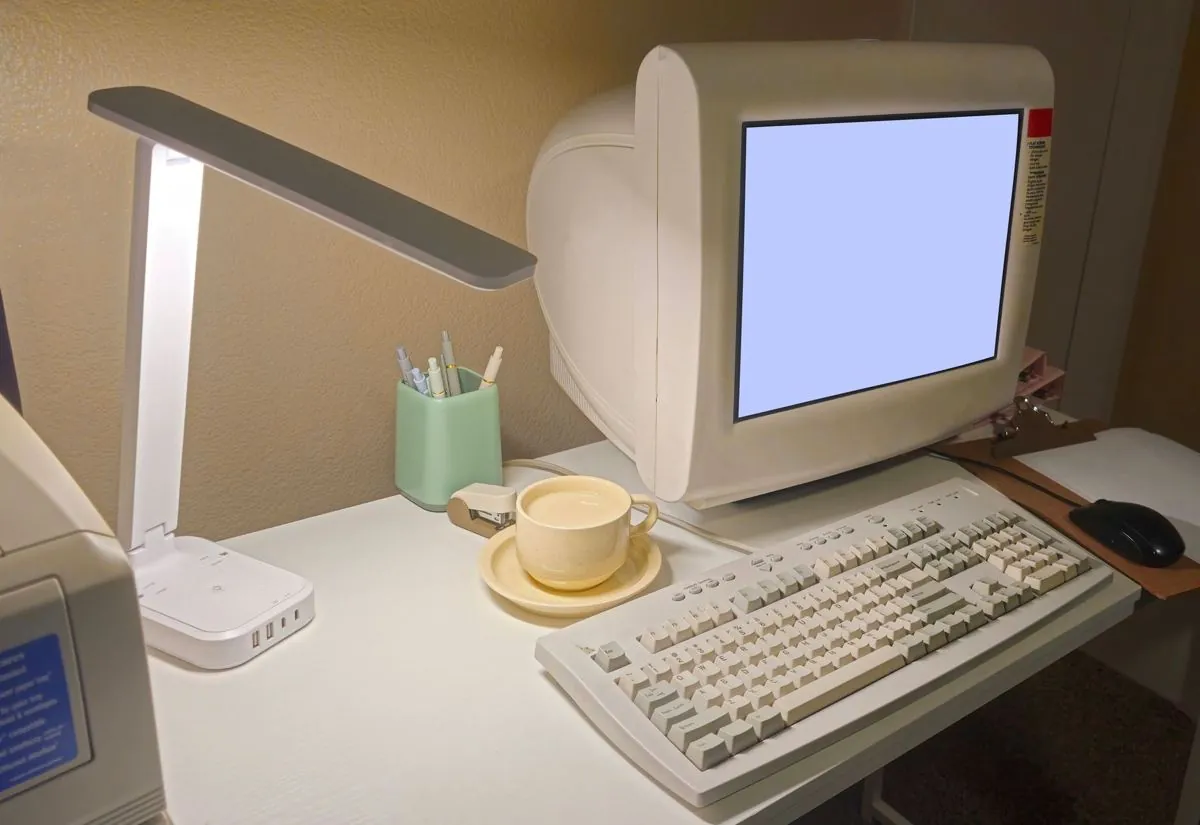
There is a computer in the back office with a black window and green writing in it, or a grey window with square buttons that look like they belong to another era. You get around with the function keys, F4 to search, F9 to confirm, enter enter enter, and whoever has worked on it for years does it with their eyes shut, never looking at the mouse
That program holds the company up. All the customer records are in there, all the transactions, all the past years. And the vendor who built it has either shut down, or answers every other month, or replies to a request for a change with a quote that puts you right off
Meanwhile the IT consultant says it's time to replace the lot, the accountant nods along, and you look at a program that has not stopped for a single day in twenty years and think that maybe they are right, except you don't much fancy it
Old does not mean impossible
The real question is not whether the software is old, it is whether its screens are there and open. That is where screen automation goes through, and the screens are always there, otherwise the person in the back office could not work on it
Muffin Suite builds automations that drive the program from the front. They open the window, move to the right field, type, confirm, exactly as an operator does with their fingers. This works even when the program offers no direct integration for talking to other software, which is the case told at length on the page about programs with no integrations
That is precisely why it is the house specialty. It's the case the big vendors leave behind, since they are better off selling you the new program
Why an old program is often the better candidate
This is the part that sounds backwards. Business software that has stood still for years is easier to automate through the screens than a modern one that updates every three months
An automation that works on the screens needs one thing only to stay on its feet, that the screens stay where they are. That the item code field is always in that spot, that the sequence of keys is always the same. A program nobody touches any more has exactly that quality, it does not change, and it will not change
Modern software with automatic updates moves a button on you on a Tuesday morning without telling anyone, and whoever works on the screens has to run after it. The program with the green writing has been identical to itself since the day it was first switched on
How this differs from a program with a side door
I would be dishonest if I said it was the same, and it isn't. When a program offers a direct integration, that integration is sturdier, because the data goes in without passing through what is drawn on screen, and nobody can spoil it by moving a window
On the screens it takes more care. The system needs a place of its own to work in, where nobody runs over it with the mouse. It has to notice when a window has not opened as expected, and it has to stop instead of carrying on typing blind
Except that most of the business software installed in small Italian companies has no side door at all, or has one you pay extra for, or has one that covers only part of what you would need. And if you wait for that, the typing by hand goes on forever
What gets looked at before saying yes
Here I promise nothing before I have seen it, because on old programs the check is done case by case, and there is no answer that holds for everyone
The things to look at are few. Whether the program runs on the computer itself or inside a remote window onto another machine. Whether the screens behave the same way every time, or change depending on who logged in. Whether the license allows one more workstation, or a user account of its own for the system. And whether there is somebody in the company who can talk the procedure through from beginning to end
The last one matters more than all the rest, more than any technical detail, because an old program carries twenty years of shortcuts that nobody ever wrote down anywhere, and you don't find those by reading a manual that no longer exists
A short screen recording, with no real data in it, shows almost everything needed to say whether your case is a fit or not
Automating now does not close the road
The worry at this point is a predictable one, if I put an automation on the old program then I am tied to the old program forever
It does not work that way. What gets automated is your process, meaning where the document comes from, what checks are made, what data has to be written and where. That reasoning still holds the day you decide to replace your software, and only the piece that touches the screens changes
There is a side effect that is worth having on its own. To automate, the rules have to be written down, and at the end you have in black and white how a process really works that until now lived in one person's head, which is useful even if one day you change everything
If that is exactly your doubt, whether it is better to replace your software instead of automating the one you have, I wrote about it on purpose in The consultant says to replace your software, is he right, and it is not a page written to talk you into staying
The monthly fee on a program that never changes
Muffin Suite works on a monthly fee agreed before the work starts, with no large upfront cost, and it covers development, use, support, fixes and maintenance
On old business software the maintenance tends to be the quiet part, precisely because the program does not move. The things around it do move, the supplier who changes the invoice layout, the file that turns up with the columns shifted, the portal that moves a button
Term and conditions are set out in the project contract, which is the right place for them, not a guide page