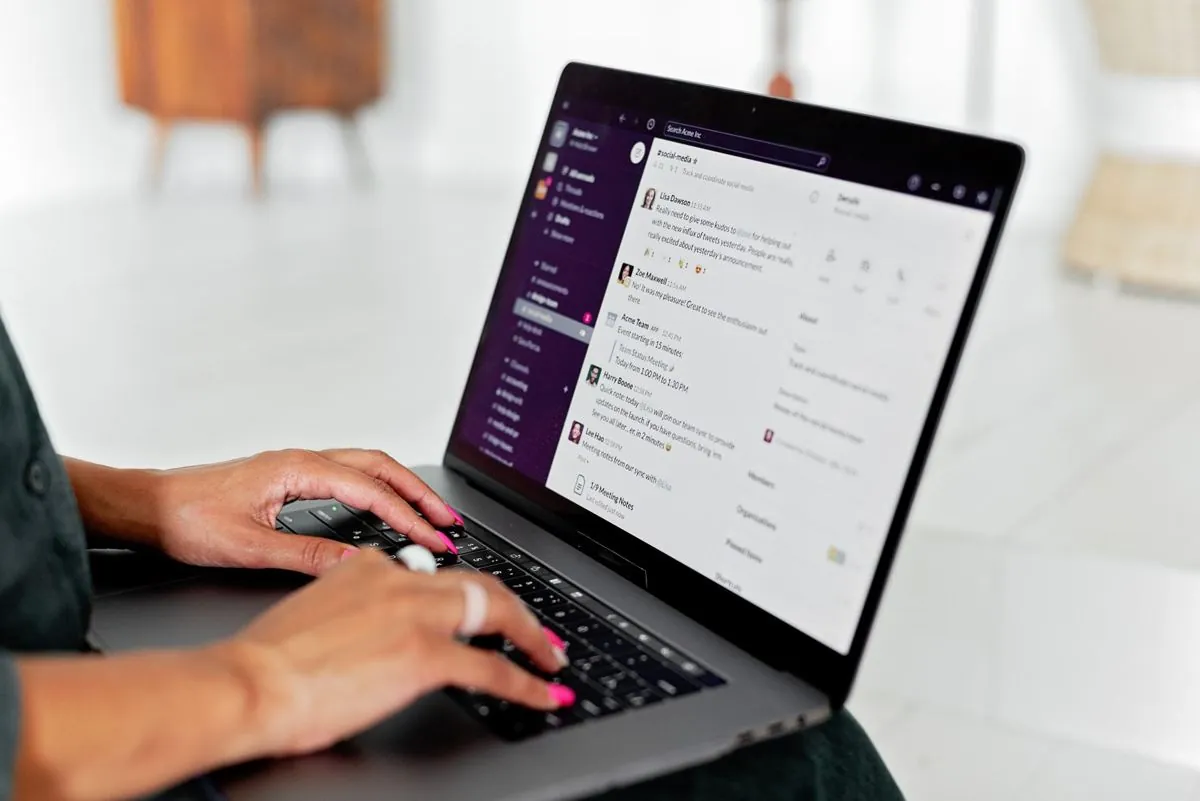
A quarter past nine, and the inbox already has thirty-two messages
The inbox is called info@ or orders@, and whoever gets in first opens it. Then they stand there half an hour working out what is what
Inside there is an order from a regular customer written in the body of the message, another order attached as a PDF, a supplier invoice, a payment reminder, a courier confirmation, a question from someone asking whether a part is in stock, a job application, two adverts, and one message that just says thank you
The person opens it, reads it, works it out, moves it to a folder, saves the attachment on the server, forwards the message to the right colleague, goes back, and starts again
It is not hard work. It is that it takes the first half hour of every day, and if that person is not in, the inbox grows and nobody knows any more what has already been looked at
The problem is not the volume, it is that everything comes through the same hole
A shared inbox is convenient for the people writing and awkward for the people reading, because it puts the order you have been waiting days for on the same footing as the advert you delete in a second
And since they all sit there mixed together, the only way to know which ones matter is to open every one, including the twenty that are no use at all
There is a second problem too, less visible, and it is ownership. When an inbox belongs to everyone it belongs to nobody, and the email read halfway and left there to be closed after lunch is the one that then disappears under another forty
How the knot comes undone
That inbox, however much chaos it looks like, is fairly predictable, because the senders are almost always the same and each of them writes in more or less the same way every time
The customer who sends orders sends them with the same subject line and the same attachment every time, the supplier sends the invoice with the number in the file name, the courier sends a notification that has been identical to itself for years
An automation works on exactly that consistency. It recognizes the sender, looks at the subject and the attachments, and works out what kind of message it is
From there each one goes its own way. The supplier's attachment is saved in the right folder under a name that follows your company's rule, and that part has a guide of its own, renaming files according to the practice's rule
What is an order can become a real order inside the business software you use, with the checks needed on codes and quantities. It is a long story, and it is all in the guide on customer orders that arrive by email
The courier notification just gets filed. Nobody has to read it, it only has to be findable if one day you need it
The question from the person asking whether the part is in stock, on the other hand, stays with a person, because that one needs somebody who answers with their head
Here you go slowly, and there is a reason
Automatic sorting of an email inbox has to be kept deliberately timid, and this is not a caution written into the contract to cover ourselves, it is simply the right way to build it
The reason is that the two possible mistakes do not weigh the same. If the system hands a person an email it could have settled on its own, you have lost ten seconds. If instead the system files away on its own an email that was an urgent order, you find out about that order when the angry customer calls
So you start from the cases that are recognized beyond any doubt, the known sender who always sends the same thing, and everything else stays where it is, in front of a human eye
Over time the certain cases grow, because looking at what ended up in the maybe pile turns up other steady patterns, and those can be added
What it is worth, in practice
The real gain is not the half hour, even though half an hour a day multiplied by twelve months adds up to a figure that surprises you, and on the work out your savings page you can do that sum with your own numbers
The real gain is that the attachments all sit where they belong without anybody thinking about it, that orders go in as they arrive instead of in batches when somebody finds the time, and that nobody has to keep in mind any more which emails they have already looked at
And above all that in the morning that person opens the inbox and finds in front of them what concerns them, instead of having to look through everything that concerns everybody